
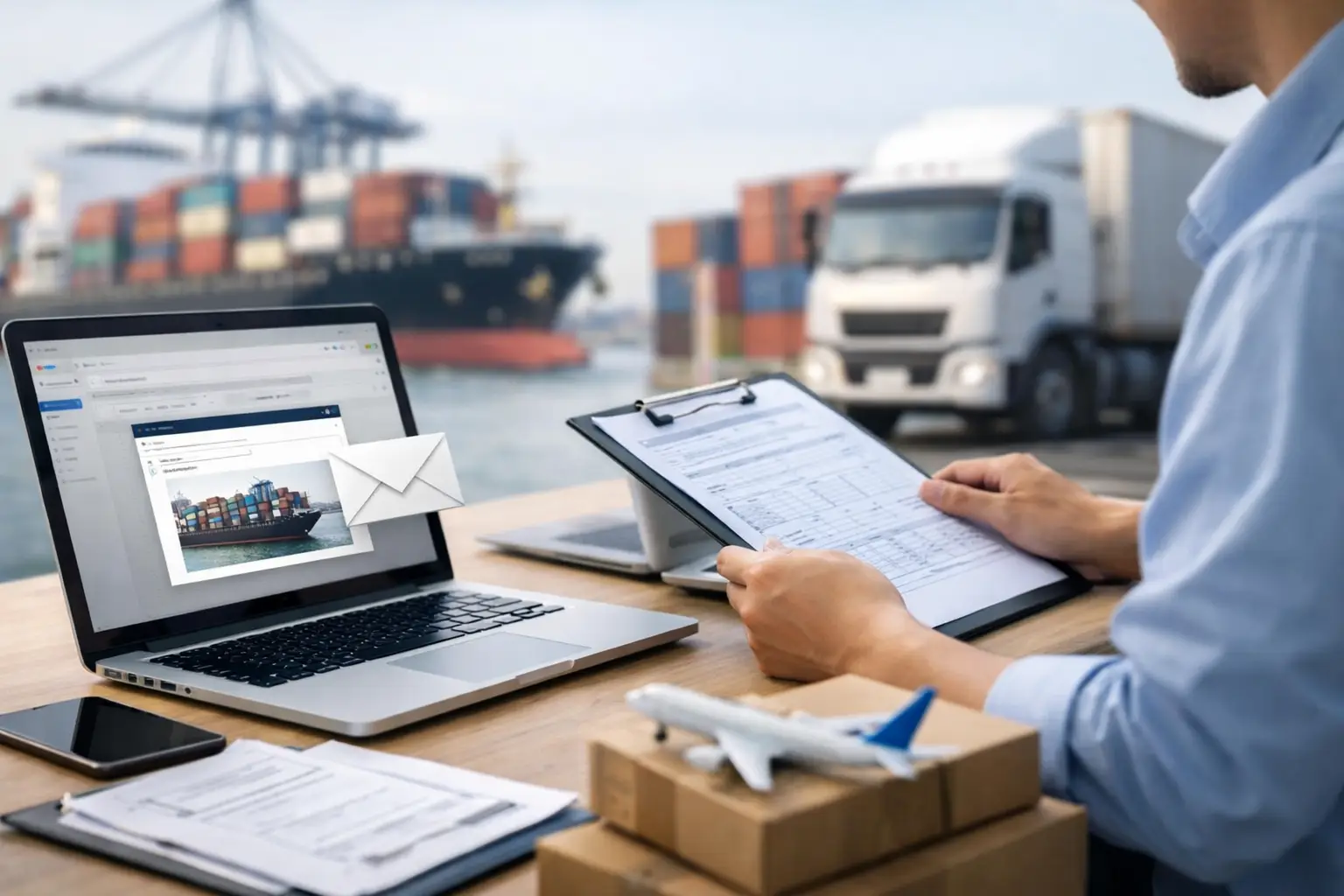
A truck can be loaded, dispatched, and hours from Laredo before a missing commercial invoice stops the move cold. Email based customs intake addresses that failure point where it starts: the inbox. Instead of asking operations teams to leave their existing workflow, upload files to a portal, and rekey shipment data, it turns inbound email documents into an organized, reviewable customs workflow.
For US-Mexico freight, that matters because customs intake is not an administrative side task. It is the point where the quality of entry data, the timing of release, and the accountability for the shipment are set. A bad intake process creates avoidable holds at the border. A controlled one gives brokers, carriers, warehouses, and shippers a shared operating picture before freight reaches the port.
Why email is still the customs control point
Most cross-border operations already run through email. Suppliers send commercial invoices and packing lists. Forwarders send shipment confirmations. Warehouse teams add receiving details. Customs teams ask for corrections, certifications, prior filings, or product descriptions. The problem is not that email exists. The problem is treating it as an unstructured holding area instead of a source of operational data.
A typical shipment may generate multiple messages, revised invoices, scanned PDFs, spreadsheets, and attachments with inconsistent naming. One person may know that an invoice replaces a prior version. Another may be waiting on a manufacturer statement. The broker may receive only part of the file set. When those details live across inboxes, the team has no reliable answer to a basic question: is this shipment entry-ready?
Portal-first systems often add friction without fixing that issue. They require suppliers, carriers, and internal stakeholders to learn a new process under time pressure. In practice, many still email the documents, then someone manually uploads them later. That creates a second handoff and another opportunity for data to be lost, duplicated, or entered incorrectly.
The better model is simple: let teams send documents the way they already do, then apply structure, validation, and accountability immediately after receipt. No portal. No login. No change to the sender's workflow.
What email based customs intake should actually do
Forwarding attachments into a shared mailbox is not customs automation. A useful intake operation must convert documents into action while preserving a clear audit trail.
First, it needs to identify the shipment. That may mean matching a purchase order, shipment reference, bill of lading, carrier PRO number, trailer number, or existing load record. The system should recognize when several emails and attachments relate to the same move rather than creating separate, disconnected cases.
Next, it should extract the data customs teams need from invoices, packing lists, bills of lading, and supporting documents. That includes parties to the transaction, product descriptions, quantities, values, country of origin, Incoterms, weights, and shipment references. Extraction saves time, but it is not the finish line. Customs data must be checked against the entry requirements and the commercial reality of the shipment.
Then comes validation. Does the invoice total align with the line-item values? Are units of measure present? Does the product description support a classification decision? Is the importer of record correct? Is a required document missing? Can the entry be prepared, or does the customs team need to request clarification before freight is in queue at the port?
Finally, the intake process should route exceptions to the right person with enough context to resolve them quickly. A vague email saying "please review" is not a workflow. A useful exception identifies what is missing, why it matters, which shipment it affects, and who owns the next step.
Automation needs a human control point
Not every document can be interpreted with equal confidence. Scanned paperwork, inconsistent product descriptions, handwritten changes, and revised values require judgment. That is especially true when classification, valuation, admissibility, or Mexico pedimento requirements are involved.
The goal is not to remove the customs professional from the process. It is to remove repetitive sorting, copying, chasing, and status checking so the professional can focus on the decisions that carry compliance risk. Good automation flags uncertainty. It does not quietly invent certainty.
The operational workflow from inbox to entry
A strong intake workflow starts before the truck arrives. When documents land in the designated email channel, the system captures the message, attachments, sender, timestamp, and shipment identifiers. It creates or updates a shipment record rather than leaving information trapped in an individual inbox.
Document extraction follows. The intake layer reads the available files and structures the relevant fields. It also detects duplicates and version changes. If a supplier sends a corrected commercial invoice, the operation needs to know which version is current. Filing from an outdated document is not a minor clerical error when declared value, quantity, or origin has changed.
The system then compares the document set against the shipment and customs requirements. For a US import entry, the team may need commercial documents, product and value information, classification support, importer details, and other filing-specific data. For Mexico-bound freight, the requirements can also depend on the transaction, fiscal documentation, importer registration, permits, and pedimento preparation.
When the file is complete and validated, entry preparation can move forward. When it is incomplete, the workflow should issue a targeted request before the shipment becomes a border exception. That timing is the point. The best customs hold is the one prevented while freight is still at the plant, supplier dock, or staging yard.
After submission, intake data should remain connected to the entry, release status, carrier movement, and final delivery. A customs team should not have to rebuild the shipment story from emails when a warehouse asks why a load has not arrived. One record should show the documents received, outstanding items, filing status, release result, and next operational owner.
Where teams gain speed without giving up compliance
The immediate benefit is less manual work. Intake teams no longer need to open every attachment, rename files, locate a shipment reference, copy invoice data into another system, and forward incomplete packages to multiple people. At volume, those minutes become a meaningful operating cost and a major source of delay.
The larger benefit is earlier exception management. Cross-border moves rarely fail because a team cannot file an entry in seconds. They fail because a mismatch is found too late: the consignee is wrong, a line item lacks a usable description, an invoice was revised, or a required document never arrived. Email-based intake creates a chance to identify that gap while there is still time to correct it.
It also improves accountability across vendors. When brokerage, drayage, linehaul, and delivery are managed in separate systems, each party can report its own status while no one owns the full move. A unified intake record gives the operator a common source of truth. The broker sees the document status. The carrier sees whether a border release issue could affect dispatch. The shipper sees what needs attention without chasing separate providers.
That does not mean every shipper needs the same configuration. A manufacturer with stable SKUs and repeat suppliers may prioritize high-volume extraction and shipment matching. An importer with varied products may need stronger classification review and document exception controls. High-risk goods, regulated commodities, or transactions with frequent changes require more human review than predictable replenishment freight. The workflow should reflect the risk profile, not force every shipment through the same level of touch.
Common failure points to design out
The first failure point is the shared inbox with no ownership rules. Messages arrive, but nobody knows who is responsible for reviewing them, who can clear an exception, or when escalation starts. A controlled intake process assigns ownership by shipment stage and records the next action.
The second is treating document receipt as document readiness. An attachment may be present but unusable. A commercial invoice without a clear product description or country of origin can still block entry preparation. Status should distinguish received, extracted, validated, pending clarification, and entry-ready.
The third is separating customs from transportation execution. If a customs exception is found, the dispatch plan must reflect it. If a truck appointment changes, the customs team needs visibility into the new timing. Border operations move too quickly for these functions to communicate through occasional spreadsheet updates.
The fourth is relying on generic AI output without controls. AI can accelerate extraction, document interpretation, and classification research, but the process needs confidence thresholds, review queues, source-document retention, and experienced customs oversight. Speed without traceability is not a compliance strategy.
Build intake around the move, not the mailbox
The right question is not whether your team can receive customs documents by email. Every team can. The question is whether email triggers a managed process that identifies the shipment, validates the data, exposes exceptions early, and keeps every party aligned through release and delivery.
BorderFlow applies that model through BorderFlow OS and Zight AI, using email as the entry point for document capture and customs execution rather than forcing customers into another portal. For operators moving frequent US-Mexico freight, that approach reduces the gap between a document arriving and someone taking accountable action on it.
Your inbox will not disappear from cross-border operations. It should not have to. The practical move is to turn it from a place where documents wait into a control point where freight gets cleared to move.